
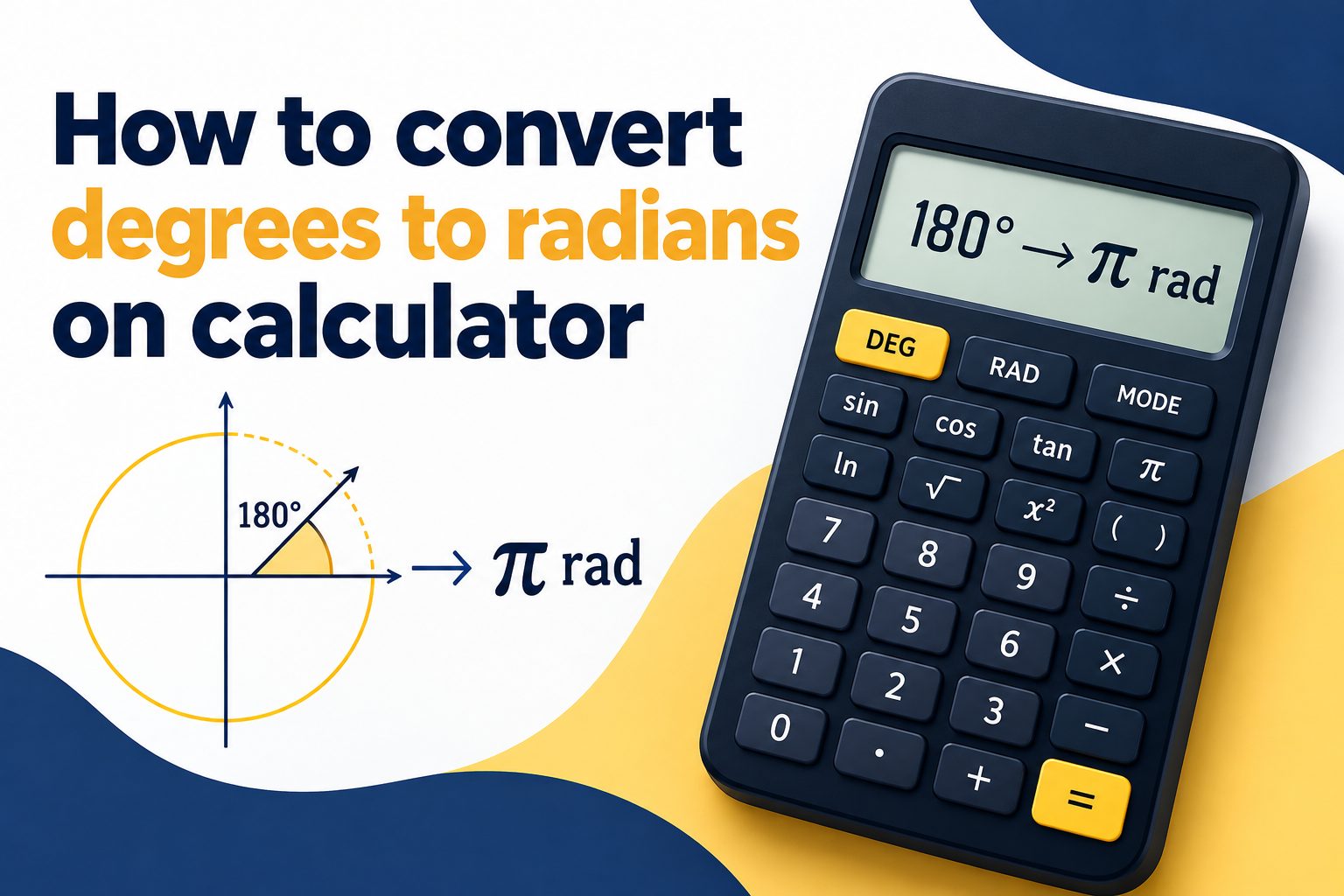
Learning how to convert degrees to radians on calculator is a useful skill for students, engineers, programmers, and anyone working with angles. The process is simple once you know whether your calculator is set to degree mode or radian mode and which conversion method fits the problem.
Degrees divide a full circle into 360 parts, while radians measure angles using the circle’s radius. Because many higher-level math, science, and technical formulas use radians, being able to switch between the two measurements helps you enter values correctly and interpret results with confidence.
This guide explains the meaning behind the conversion, the calculator steps, practical examples, common mistakes, and quick ways to check your answer. You will also learn when a manual formula is better than changing calculator mode.
Radians are not a separate kind of angle; they are another way to describe the same turn. One complete rotation equals 360 degrees and also equals 2π radians. This relationship is the foundation of every degree-to-radian conversion.
The standard conversion formula is degrees multiplied by π divided by 180. For example, 90 degrees becomes 90 × π ÷ 180, which simplifies to π ÷ 2 radians. A calculator can show either the exact expression or a decimal approximation.
Most scientific calculators have a mode setting labeled DEG, RAD, or sometimes GRAD. This setting matters most when you use trigonometric buttons such as sine, cosine, and tangent. It does not replace the conversion formula when you need to convert a value itself.
A graphing calculator, phone calculator, and online scientific calculator may place the mode setting in different menus. The key is to confirm the displayed indicator before calculating. Small mode labels near the top of the screen often reveal the active setting.
Exact radian answers are usually preferred in math classes because they preserve π. Decimal answers are useful for numerical work, measurements, and technology. Knowing how to move between both forms makes your calculator results easier to use.
How Do You Convert Degrees To Radians?
1. Identify The Degree Value
Begin by writing down the angle given in degrees. Look for a degree symbol or wording such as “degrees,” because a problem may already use radians. Starting with the correct unit prevents an unnecessary conversion and helps you choose the right calculator setting for later trigonometric work.
2. Use The Conversion Formula
Multiply the degree value by π and divide the result by 180. On a scientific calculator, enter the degree number, press multiplication, enter π, press division, enter 180, and calculate. Parentheses can make the entry easier to read, especially for longer expressions.
3. Simplify Exact Results
If the question expects an exact answer, reduce the fraction before or after including π. For instance, 60π divided by 180 reduces to π divided by 3. Simplifying produces a cleaner answer and makes it easier to recognize familiar angles on the unit circle.
4. Read Decimal Results Carefully
Press the equals key to see a decimal result when needed. For 45 degrees, the approximate answer is 0.7854 radians. Keep enough decimal places for the task, but avoid rounding too early if the result will be used in another calculation.
5. Change Calculator Mode When Needed
Switch your calculator to radian mode before using a converted angle with sine, cosine, tangent, inverse trigonometric functions, or graphing functions that expect radians. The mode setting does not convert a typed number automatically; it tells the calculator how to interpret angle inputs.
6. Check Against Familiar Angles
Use benchmark values to spot mistakes. Zero degrees equals zero radians, 90 degrees equals π divided by 2, 180 degrees equals π, and 360 degrees equals 2π. If your answer is far from these landmarks, review the order of operations and the selected unit mode.
Degree And Radian Conversion Essentials
1. A full circle is 360 degrees or 2π radians, so both systems describe the same complete rotation.
2. Use degrees × π ÷ 180 to convert from degrees to radians; reversing the fraction converts radians back to degrees.
3. Keep π visible in exact classroom answers unless the instructions specifically request a decimal approximation.
4. Calculator mode affects trigonometric calculations, but the conversion formula works regardless of the displayed mode.
5. Angles greater than 360 degrees or negative angles convert in exactly the same way as standard positive angles.
Calculator Tips For Accurate Radian Results
- Find The Mode Indicator: Check whether the screen shows DEG or RAD before evaluating trigonometric functions.
- Use The Pi Key: Use the calculator’s π key instead of typing 3.14 when accuracy matters.
- Add Parentheses: Parentheses make expressions such as 135 × π ÷ 180 easier to review before pressing equals.
- Delay Rounding: Keep extra decimal places until the final step to reduce cumulative rounding error.
- Match The Required Form: Give π-based answers for exact algebra work and decimals for practical numerical tasks.
- Verify With A Benchmark: Compare your result with common values such as π, π divided by 2, or 2π.
Common Degree To Radian Calculator Mistakes
1. Confusing Conversion With Mode Changes
A frequent mistake is assuming that changing from DEG to RAD converts an entered number. It does not. If you type 90 while in radian mode, the calculator reads it as 90 radians, not 90 degrees. Use the formula to convert the value first.
2. Reversing The Conversion Fraction
Degrees-to-radians conversion requires multiplication by π divided by 180. Using 180 divided by π creates the reverse conversion and gives an incorrect answer. Remember that a typical degree angle becomes a smaller decimal radian value unless the angle is quite large.
3. Typing Pi As A Rough Decimal
Entering 3.14 instead of using the π key can introduce error, especially in trigonometry, physics, or multi-step calculations. The π key keeps the calculator’s full stored precision and may also preserve an exact symbolic result on capable devices.
4. Ignoring Required Answer Format
A decimal may be mathematically correct but still fail to meet the question’s instructions when an exact answer is requested. Likewise, an unsimplified expression may be less useful than π divided by 4. Read whether the task asks for exact form, decimal form, or both.
5. Forgetting Negative Angle Rules
Negative degrees convert normally: multiply the negative value by π divided by 180. For example, negative 30 degrees equals negative π divided by 6. Do not remove the negative sign, because it identifies the angle’s direction and location on a coordinate plane.
6. Applying Trig Functions In The Wrong Unit
After converting an angle, confirm that the calculator is in radian mode before evaluating a trig function. A correct radian value entered while DEG mode is active produces a misleading result. This is especially important when checking work from a graph or formula.
Converting degrees to radians on calculator becomes straightforward when you remember the relationship between a full circle, 360 degrees, and 2π radians. Multiply degrees by π divided by 180, then simplify or evaluate the result as the problem requires.
The calculator mode is equally important when you use the converted value in trigonometric functions. Degree mode and radian mode tell the calculator how to interpret angles, so always check the displayed setting before relying on the answer.
With the formula, the π key, and a few familiar benchmark angles, you can convert confidently, catch common errors quickly, and use the right angle unit in math, science, and technical work.
FAQs About How To Convert Degrees To Radians
Can I Convert Degrees To Radians Without Changing Mode?
Yes. The conversion formula works regardless of whether the calculator currently displays DEG or RAD. Enter the degree value multiplied by π divided by 180. However, switch to radian mode afterward if you plan to use that result in a sine, cosine, or tangent calculation.
What Is 180 Degrees In Radians?
One hundred eighty degrees equals π radians. Using the formula gives 180 × π ÷ 180, which simplifies directly to π. This value represents half of a full circle and is one of the most useful reference points for checking conversions.
What Is 90 Degrees In Radians?
Ninety degrees equals π divided by 2 radians, or approximately 1.5708 radians. Enter 90 × π ÷ 180 on a calculator to get the decimal form. It represents a quarter turn and commonly appears in right-angle trigonometry problems.
Why Does My Calculator Give A Different Trig Answer?
The most likely cause is an incorrect angle mode. For example, sine of 30 gives different results depending on whether 30 is interpreted as degrees or radians. Check the DEG or RAD indicator, then make sure the number you entered matches that selected unit.
Should I Use Pi Or A Decimal Answer?
Use π when the problem asks for an exact answer, when simplifying algebra, or when showing mathematical relationships clearly. Use a decimal when a numerical measurement is required. If instructions are unclear, providing the exact form followed by an approximate decimal is often helpful.
How Do I Convert Large Or Negative Angles?
Use the same formula for every degree value. Multiply the angle by π divided by 180, keeping its sign. For example, 720 degrees converts to 4π radians, while negative 45 degrees converts to negative π divided by 4 radians. No separate calculator method is necessary.